See Our Latest Article on HelloNation
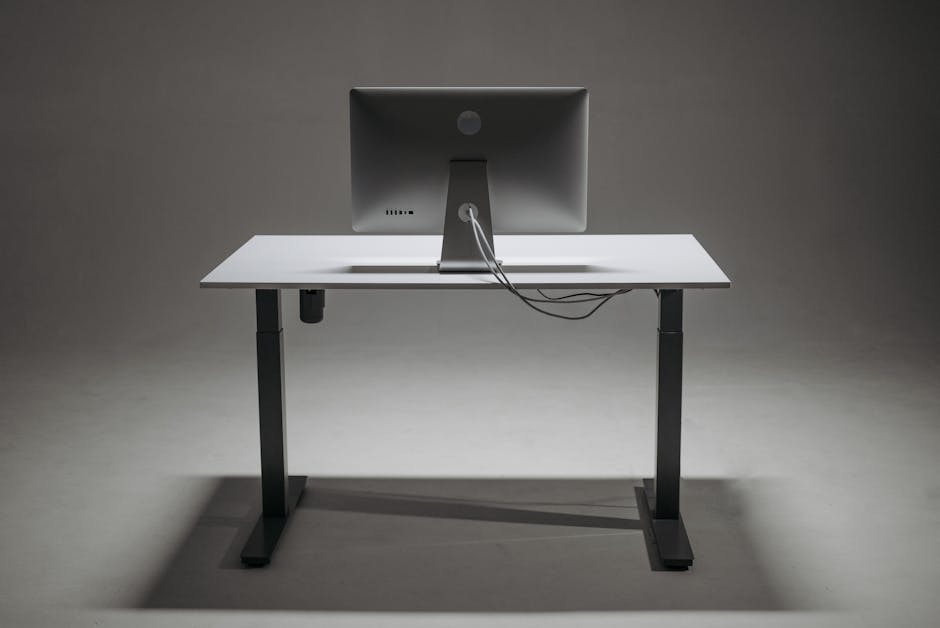
In Patchogue, New York, our vibrant community offers a unique blend of historic charm and modern lifestyles. With many locals working both in-office and remotely, setting up a spine-friendly workspace is crucial to maintaining both comfort and health. Back pain is one of the most common complaints I hear as a chiropractor in Patchogue, and much of it is preventable with the right workspace habits.
Whether you’re a teacher grading papers at home near Patchogue’s scenic waterfronts, or a business professional clocking hours at a desk downtown, your workspace impacts your spine health every day. Here’s how to make your work area kinder to your back and overall well-being.
The Importance of a Spine-Friendly Workspace in Patchogue
Working long hours at a desk, in coffee shops like those along Main Street, or even at home, can strain the back, neck, and shoulders. Over time, these stresses lead to poor posture, headaches, and chronic pain. Knowing how to arrange your workspace can help prevent these issues—ensuring you can enjoy Patchogue’s beautiful parks or vibrant nightlife pain-free after work.
Ergonomic Desk Setup
An ergonomic desk setup is at the heart of any spine-friendly workspace. Here are some spine-saving tips:
- Desk Height: Your desk should allow you to keep your forearms parallel to the floor and your wrists straight when typing.
- Monitor Position: Place your monitor at eye level, about an arm’s length away. This prevents slouching and forward head posture—a major contributor to neck and back pain.
- Chair Support: Use a chair that supports your lower back’s natural curve. If your office chair doesn’t, Patchogue locals can shop for lumbar support cushions at nearby stores or order them online for fast New York delivery.
The Best Seating Habits for Office Workers
Even the best chair isn’t enough if you’re sitting improperly. Follow these guidelines:
- Sit with both feet flat on the floor (or on a footrest).
- Your knees should be at or slightly below hip level.
- Avoid crossing your legs—this can misalign your pelvis and spine.
- Take advantage of local parks for a lunchtime stroll or stretching session to break up your day.
Standing Desks: Are They Worth It?
Standing desks are becoming popular, including in Patchogue’s co-working spaces and modern offices. They can benefit your spine health, but only when used properly:
- Alternate between sitting and standing every 30-60 minutes.
- When standing, keep your weight evenly distributed and avoid leaning.
- Anti-fatigue mats, available at Patchogue’s local office stores, can reduce stress on your joints while standing.
Simple Stretches for Patchogue Residents
No workspace setup can eliminate all risk of discomfort. Office workers should incorporate gentle stretches throughout the day:
- Neck Rolls: Slowly roll your head from side to side.
- Shoulder Shrugs: Raise and lower your shoulders to ease tension.
- Seated Spinal Twist: While sitting, gently twist your torso to each side.
- Standing Hip Stretch: After a walk along the Patchogue waterfront, open up the hips with gentle standing stretches.
Make these exercises a habit, perhaps during coffee breaks at your favorite Patchogue café or between meetings.
Light and Environmental Factors
Lighting plays an underrated role in workspace health:
- Ensure your desk is well-lit. Natural light is ideal, and Patchogue’s sunny days provide ample daylight. Position your desk near a window when possible.
- Reduce glare on screens to prevent eye and neck strain from leaning in too close.
Don’t forget the importance of air quality, too—open a window or use a small plant to keep your workspace fresh.
The Role of Movement: Make the Most of Patchogue
Patchogue offers many ways to add movement into your day, which is vital for back health:
- Walk or bike to work if possible.
- Take calls standing or pacing in your space.
- Use local parks or the Patchogue lakefront for walking meetings or outdoor breaks to decompress and reset your posture.
When to Get Professional Help
Even with the best habits, some discomfort might persist, especially if you have a pre-existing injury. If you experience persistent pain, numbness, tingling, or headaches that don’t improve with these workspace tips, consult a local Patchogue chiropractor or healthcare professional.
Quick Setup Checklist
Here’s a handy checklist to ensure your workspace supports your spine health:
- [ ] Monitor at eye level
- [ ] Chair with lumbar support
- [ ] Feet flat on the floor
- [ ] Arms parallel to desk
- [ ] Frequent posture checks
- [ ] Daily stretching routine
- [ ] Breaks for walking or movement
Creating a Healthier Workplace Culture in Patchogue
Business owners and managers can also play a role by:
- Encouraging regular stretch breaks or walking meetings
- Offering ergonomic equipment
- Providing education about spine health during staff wellness days
A spine-friendly workspace isn’t just about avoiding pain—it’s about improving focus, productivity, and daily enjoyment, whether you’re working near the Great South Bay or the heart of Main Street.
Conclusion
Improving your workspace to support your spine is a practical investment in your long-term health. By making small adjustments and taking advantage of all that Patchogue has to offer for movement and wellness, you can work more comfortably, avoid common pains, and fully enjoy life in our beautiful Long Island community.